
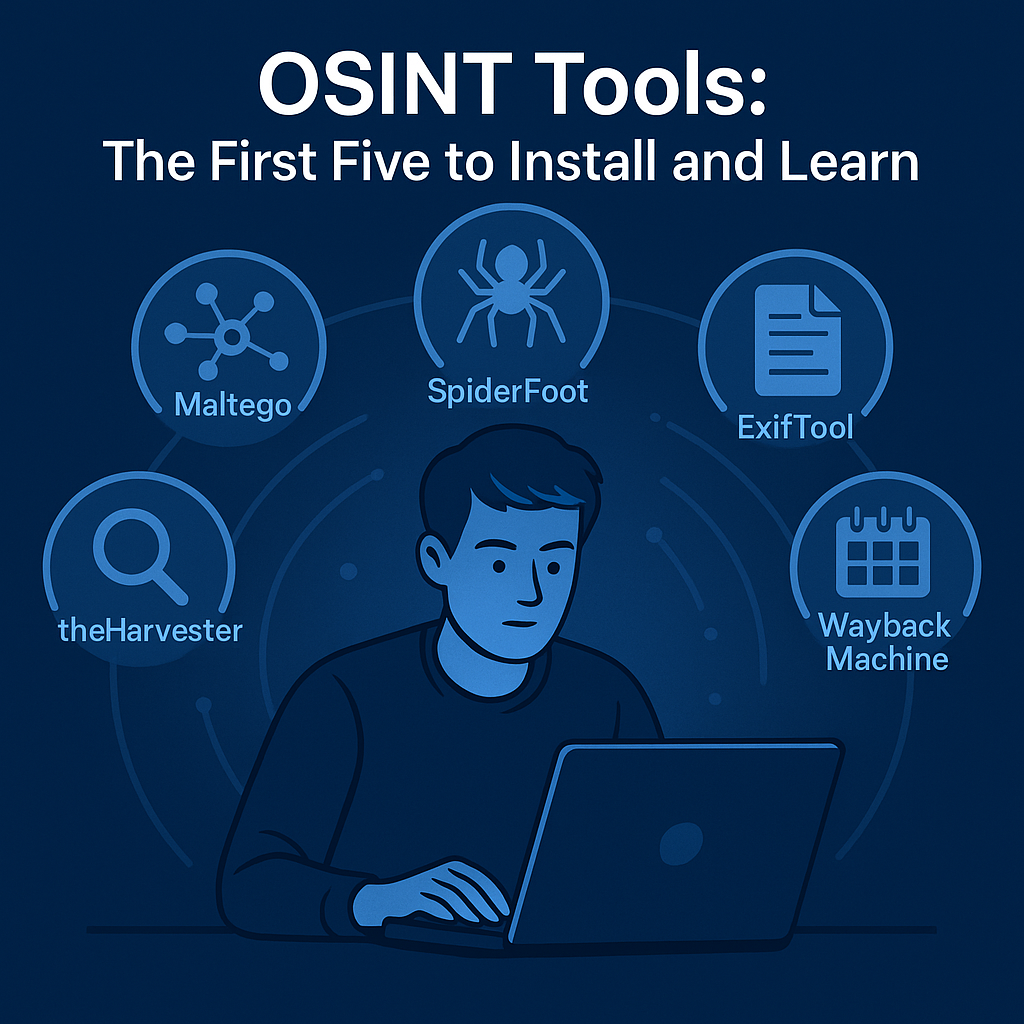
When people begin exploring Effective OSINT tools, the same question always comes up: “Which ones should I start with?”
With thousands of open-source intelligence resources available, it’s easy to feel overwhelmed. However, mastering a few well-chosen tools early on will provide you with the foundation to conduct solid, ethical, and practical investigations.
Open-Source Intelligence is not about how many apps or scripts you can install — it’s about how you use them. The right tools simply make your workflow smoother, faster, and more structured. Here are five that every new investigator should install and learn first — and how they’ll help you start seeing the web differently.
1️⃣ Maltego – Visualise Connections
Maltego is a powerful data-mapping and visualisation platform. It takes scattered data — domains, names, emails, organisations — and builds relationship maps that show how everything connects.
It’s perfect for identifying links between people, websites, and infrastructure. You can start with a single email address and end up with a complete network diagram of related domains or accounts.
Maltego’s strength lies in its ability to help you see patterns rather than just lists of results.
2️⃣ theHarvester – Gather the Basics
Before you can connect the dots, you need dots to connect. theHarvester collects public information such as email addresses, subdomains, and employee names from search engines, social networks, and certificates.
It’s fast, simple, and an excellent first step in any investigation. Run it against a target domain to see what information is already out there — you’ll be surprised how much you can find without touching anything private.
3️⃣ SpiderFoot – Automate and Correlate
SpiderFoot is your automation engine. It performs dozens of reconnaissance tasks automatically, combining searches across multiple data sources and APIs.
Think of it as a digital assistant that scans for open data, leaks, or infrastructure details while you focus on analysing the results. The beauty of SpiderFoot lies in its dashboard, which clearly displays relationships, confidence levels, and source reliability.
4️⃣ ExifTool – Examine the Details
Every image and document carries hidden metadata — timestamps, device information, and GPS coordinates. ExifTool lets you read and clean that data.
For investigators, it’s invaluable: you can confirm where and when an image was created, or whether a file has been tampered with. Learning ExifTool early teaches one of the most essential OSINT lessons: small details tell big stories.
5️⃣ Wayback Machine – Recover What’s Gone
The internet never truly forgets. The Wayback Machine (archive.org) lets you view and compare historical versions of websites.
Whether you’re tracking deleted statements, outdated contact pages, or vanished evidence, this archive often provides critical context. It’s also an ethical and entirely open way to reconstruct timelines in investigations.
🧠 Bringing It Together
Once you’ve installed these five Effective OSINT tools, start using them together.
For example, use theHarvester to find subdomains, SpiderFoot to automate broader scans, Maltego to visualise connections, ExifTool to analyse media, and Wayback Machine to confirm changes over time.
These aren’t just tools — they’re stepping stones to building your analytical mindset.
🕵️ Learn to Use OSINT Tools Properly
Installing them is just the first step. The real learning happens when you combine structured investigation with disciplined workflow.
That’s where Shadows of Information (available at Amazon), my comprehensive OSINT guide, comes in. It teaches not only how to use these tools but how to think like an investigator — defining goals, following threads, and analysing findings logically and ethically.
You’ll also find supporting OSINT guides here on this site — covering OPSEC, social media analysis, search techniques, and investigation structure — all designed to help you master effective OSINT tools in context.
Ultimately, the tools are just extensions of your curiosity. The real intelligence comes from you.