
Finding people online using Open-Source Intelligence (OSINT) involves utilising publicly available information to identify, verify, and understand a person’s professional presence—without breaching privacy or violating terms of service. Done right, it’s ethical, legal, and beneficial for due diligence, journalism, recruitment, and safety.
Find out more in Shadows of Information
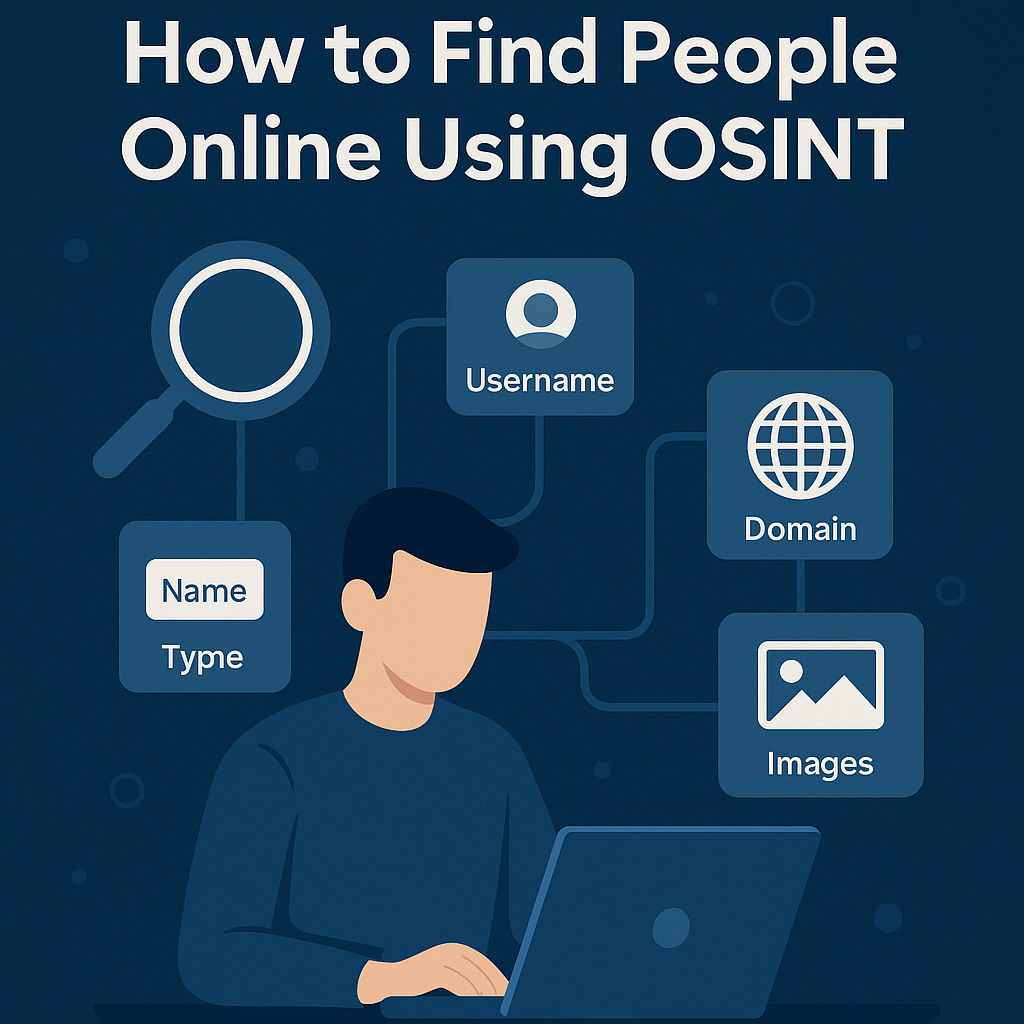
Quick Ethics & Legal Guardrails
- Use public data only; never bypass logins or paywalls.
- Respect site Terms of Service and local data-protection laws.
- Avoid sensitive data (medical, minors, addresses).
- If you plan to publish findings, document sources, and redact private info.
Your High-Level Workflow
- Define the objective → 2) Gather seeds → 3) Pivot across platforms → 4) Verify & enrich → 5) Document & cite.
Starter Toolkit (free or freemium)
- Search: Google/Bing operators (
site:,intitle:,inurl:, quotes" "). - Username checks: Sherlock, Maigret, Blackbird (or web-based equivalents).
- Professional networks: LinkedIn, GitHub, Behance/Dribbble, ORCID (for academics).
- Archiving: Wayback Machine.
- Images: Google Lens / Bing Visual Search (reverse image).
- Web tech/ownership: WHOIS, DNS tools (for businesses/domains).
- Note-taking/evidence: Obsidian/Notion + screenshots + URLs + timestamps.
Step-by-Step Example (Fictional & Safe)
We’ll investigate a fictional person to demonstrate the method:
Target (fictional): Alex Example — a photographer in Manchester, UK.
Known seeds: Name (“Alex Example”), city (Manchester), profession (photographer), possible handle: alexexposures.
Step 1 — Baseline search (names + qualifiers)
Start broad, then narrow:
"Alex Example" photographer Manchester
"Alex Example" "photographer" -facebook -pinterest
Tips:
- Use quotes for exact phrases.
- Subtract noisy sites with
-site:or-keyword.
Step 2 — Targeted site searches
Focus on professional networks first:
site:linkedin.com "Alex Example" photographer Manchester
site:behance.net "Alex Example" photographer
site:instagram.com "alexexposures"
If results are sparse, try variants:
"Alex E. Example" photographer
"Alex Example" lensman OR "portrait photographer"
Step 3 — Pivot on unique identifiers
Suppose you find a portfolio link or a handle like alexexposures. Pivot that handle:
"alexexposures"
site:twitter.com alexexposures
site:github.com alexexposures
site:youtube.com "alexexposures"
inurl:alexexposures "about" OR "contact"
If a personal domain appears (e.g., alexexposures.co.uk), enrich:
Use the Wayback Machine to see earlier versions for old emails or bios.
Step 4 — Verify with imagery & cross-checks
- Reverse image the profile/portfolio headshot to see if it’s reused elsewhere.
- Confirm consistency: same bio facts, same city/time zone, same branding.
- Cross-reference business details (studio address, company name) on directories or the site’s footer.
Step 5 — Enrich with professional signals
Look for public materials that strengthen identity (no sensitive data):
"Alex Example" filetype:pdf "portfolio" OR "rate card"
intitle:"testimonials" site:alexexposures.co.uk
"Alex Example" interview Manchester "photographer"
For a business domain, capture tech footprint (CMS, contact email pattern), and link it back to the public identity. If an email like hello@alexexposures.co.uk is on the public site, note it. (Don’t probe login pages or non-public directories.)
Step 6 — Record & cite your findings
Log your trail in a simple table:
| Evidence | URL | Date | Notes |
|---|---|---|---|
| LinkedIn profile (“Alex Example – Photographer”) | … | 11 Oct 2025 | Matches city & portfolio link |
| Portfolio site (About page) | … | 11 Oct 2025 | Same headshot & handle |
| Instagram (@alexexposures) | … | 11 Oct 2025 | Bio links to same site |
| Wayback snapshot (2019) | … | 11 Oct 2025 | Older email shown |
This audit trail makes your findings reproducible and defensible.
Practical Query Cheatsheet
# Name + role + city
"Full Name" role city

# Site restrictions
site:linkedin.com "Full Name" role city
site:instagram.com "handle"

# Titles, URLs, file types
intitle:"about" "Full Name"
inurl:portfolio "photographer"
filetype:pdf "Full Name" portfolio

# Variants & exclusions
"Full Name" OR "Name Variant" -site:pinterest.* -site:facebook.com
What Not to Do
- Don’t scrape or publish private/sensitive data (home addresses, personal emails not publicly posted by the owner, minors).
- Don’t attempt access control bypass or targeted harassment.
- Don’t conflate similar names—verify before attributing.
✅ Key Takeaways
- Start with clear seeds, pivot on handles/domains, and always verify via multiple sources.
- Keep an evidence log (URLs + timestamps).
- Maintain OPSEC: separate profiles, clean browser, VPN, and VM (see your earlier post).